How to Open EML Files Without Outlook? Complete Guide
Fact-checked and reviewed in accordance with our Editorial Policy
With the hands-on experience of our BitRecover experts, in this guide we will walk you through the easiest way on how to open EML files without Outlook. We will provide you expert tested and tried manual as well as professional solutions to view EML file without Outlook on your system. Each method is explained in a proper step-by-step way to help you easily open EML files in just a few clicks.
What is an EML File?
An EML file is a standard file format that stores single email messages in its original form along with its sender, receiver, subject, attachments, email body and headers. As they are saved in a plain text format, EML files are highly compatible and can be flexibly transferred, archived or opened across different platforms and devices.
It follows MIME (Multipurpose Internet Mail Extensions) standard to preserve original email structure including attachments.
Why Do Users Look to Open EML Files Without Outlook?
- Maybe Microsoft Outlook is not installed or activated on the user system.
- One of the main reasons is users want to avoid purchasing the Outlook license due to its high cost just to open EML files.
- Non-professional users may feel Outlook interface complex.
- Handling multiple EML files is a time-consuming and lengthy process.
- Users may be required to open EML files on a different computer.
How to View EML Files Without Outlook Free? Manual Methods
Here, in this section we have mentioned some reliable and tested manual ways. Follow these methods properly to avoid complications during the process.
Method 1- Read EML Files via Web Browser
It is one of the convenient methods as through modern browsers we can easily open EML files without Outlook by converting them into browser-friendly format.
- First, navigate to the EML file saved on your system.
- Right-click the file and choose Open With option.
- Select your preferred web browser to open EML file without Outlook.
Limitation: This method does not work with a large volume of EML files. Additionally, it does not support opening attached attachments.
Method 2- Open EML Files Without Outlook Using Notepad
This method allows you to view raw email content as EML is a plain text file.
- Find your EML file. Right-click and choose Rename.
- Rename the existing .eml file as .txt file.
- Now, double click the file it will automatically open in the Notepad app.
Limitation: Users can’t view email attachments using this method. The data may be visible in an unorganized way.
Method 3- Print EML to PDF
Users who want to view EML files in PDF form can follow these steps:
- Repeat the Method1 and open your EML file in browser.
- Press Ctrl + P and a window will pop up.
- As destination, choose Microsoft Print to PDF option.
- Lastly, click Save and set a destination path.
That’s it, you are done. Now you can open EML files without Outlook.
Limitation: It is a time-consuming process as users need to individually save each EML file one-by-one. For a fast process, trust BitRecover EML to PDF Converter. It will quickly save all EML files into portable document file in bulk at once, saving time.
Bonus Tip: Automated Solution to Directly Open EML Without Outlook
Our freeware Best EML Viewer offers some significant benefits to all users. Most critically it will permit users to open EML files without even the need to install MS Outlook. This expert-recommended software has the ability to easily extract all the corrupted as well as inaccessible information from your EML files along with the attachments inside the emails.
In addition, users can also take the help of this tool to convert their EML files into CSV, Text, HTML, and PDF for forensic investigation purposes if they purchase the PRO version. It includes a built-in option to extract email addresses from EML files that is useful for email management.
Step-by-Step Method to View EML Files Without Outlook
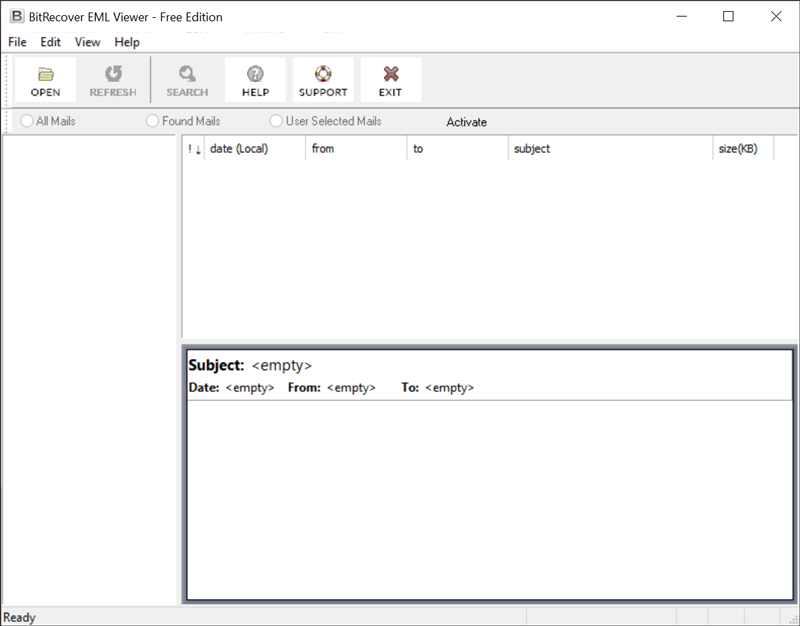
- Download and install the software. Once done, click on the Open button to load the desired EML files.

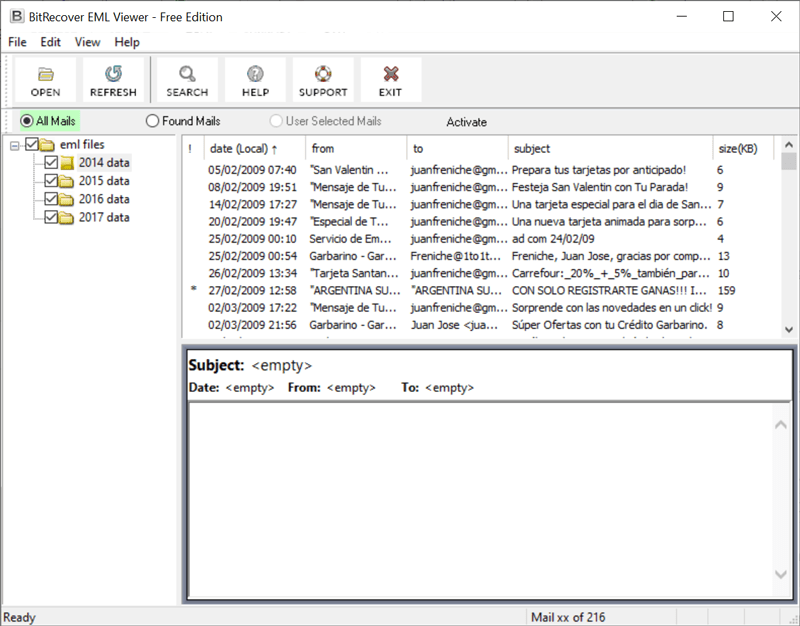
- Then, choose email folders from UI and hit on a specific folder to preview emails.
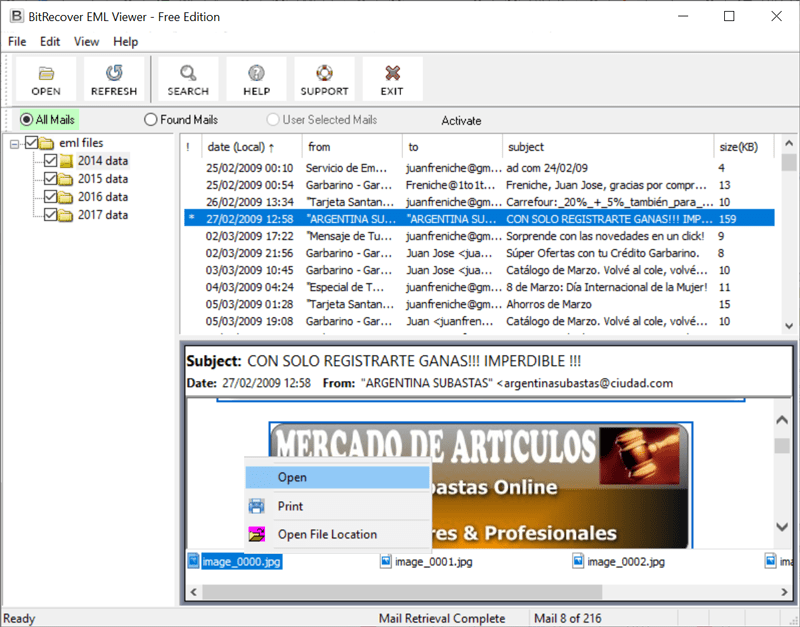
- Thereafter, you’ll see all email attachments. You can choose any attachment and straightforwardly open it with a right-click.

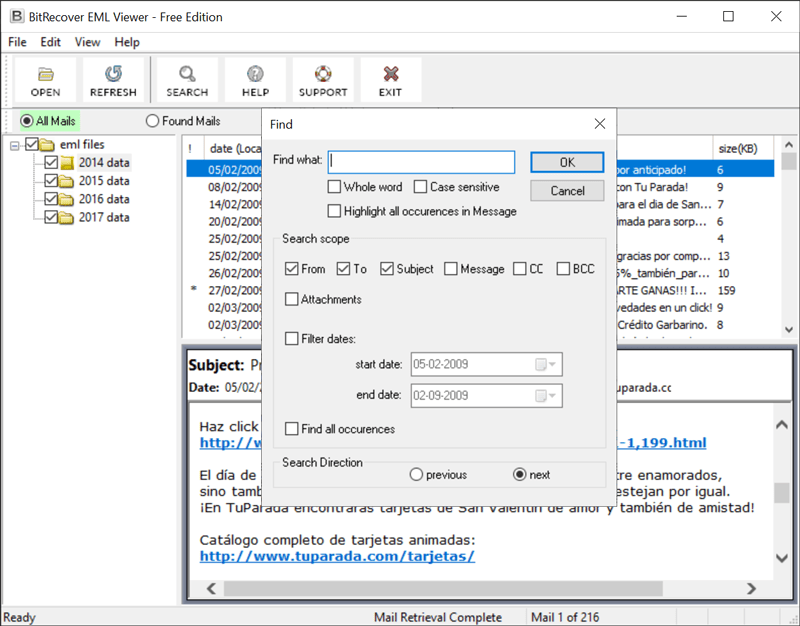
- After this, hit on the email message to read the EML data. Tap on the Search button to locate a particular EML file from the entire database.
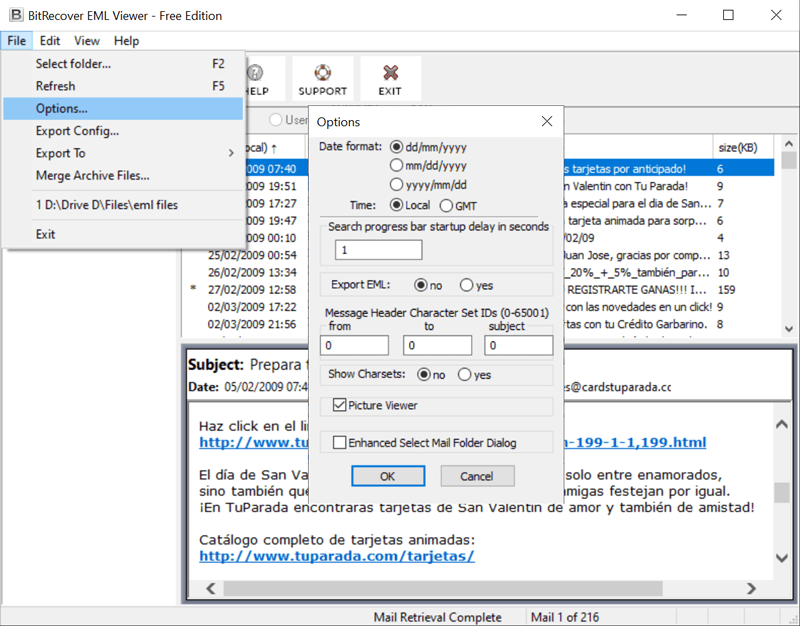
- Now, you can also pick the desired date format as shown in this screenshot.
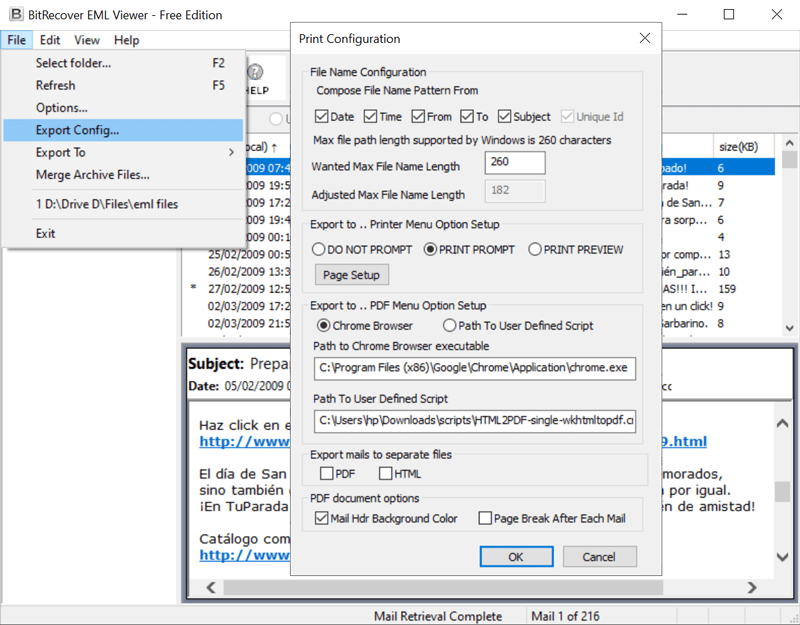
- Also, this software permits to set print configuration in various professional ways.

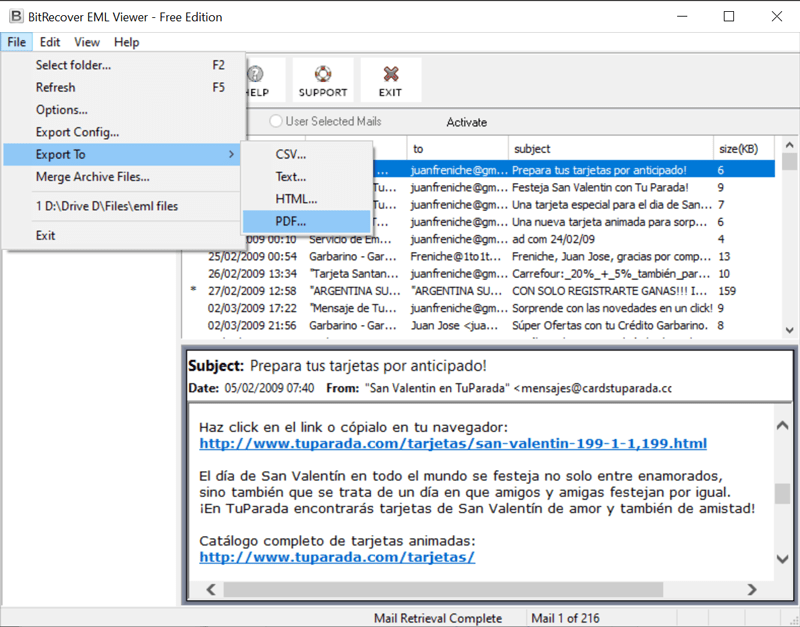
- The licensed version permits to export of emails in various formats. You can pick them if required.
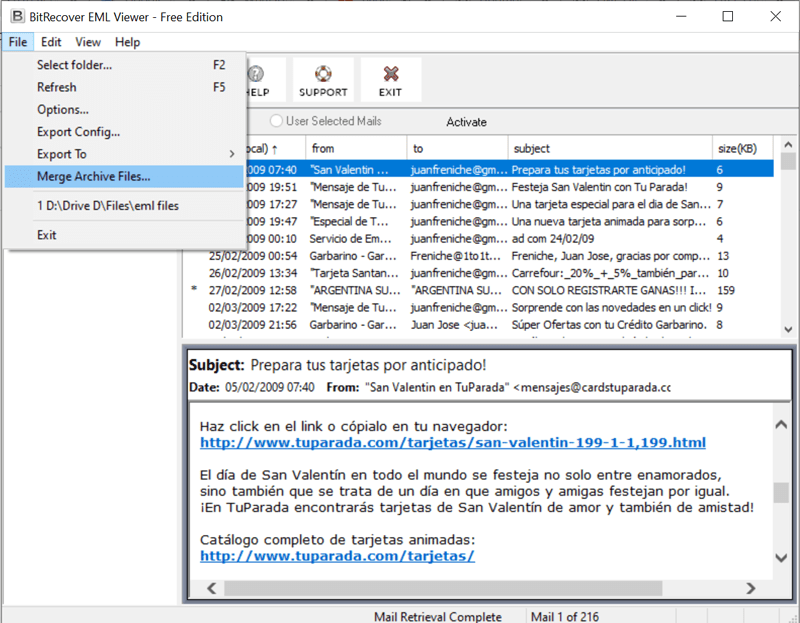
- Also, the tool offers an option to merge archive EML files.

Benefits of Using the Above Software
This application is absolutely free for personal usage, totally easy to use, and lightweight. Aside from just open EML files without Outlook, the viewer offers various other benefits.
- Installation on any Windows PC: You can try this application on the majority of OS installed on modern PCs like Windows 11, 10, 8.1, 8, 7, XP, Vista, etc.
- Top-rated Forensic Software: It is best for the forensic experts as the investigators can run it directly from a USB drive because it is a portable utility.
- Open EML Files of Numerous Email Clients: It is perfect for all users because it is compatible with EML files of various email clients like Windows Live Mail, Windows Mail, Thunderbird, SeaMonkey, Opera Mail, Outlook Express, Lotus Notes, etc.
- Preview each Email Item Precisely: With it, you can open EML files without Outlook and also preview all email attributes like Date, Subject, From, To, Size in KB, HTML links, formatting, etc.
- Advanced Search Option: The tool offers a useful search filter that grants to search .eml messages or find specific search terms in an email.
- Preserves Data Integrity: The software is 100% precise and always ensures that the message formatting and email properties are maintained.
Conclusion
By concluding, we can say that undoubtedly there are no cross-questions regarding how to open EML files without Outlook on PC. The suggested software not only grants you to read the EML file message but also gets to access a single piece of information like headings, attachments, date, sender/ receiver’s email address, etc. It’s quick, free, and has a user-friendly interface that ideally suits best for personal as well as for professional needs.
About the Author

