How to Convert Evernote to EPUB File Easily & Quickly?

Many users want to convert Evernote to EPUB because EPUB provides a more comfortable reading experience. Evernote is great for taking notes but not ideal for reading long content or publishing. By converting an Evernote file to EPUB, users can combine many scattered notes into a single digital book with proper chapters and a smooth reading flow.
EPUB works smoothly on phones, tablets, and e-readers, where the text adjusts to any screen and supports offline reading. It also makes Evernote notes easier to share and even turn into small e-books or guides. This blog will provide you with even more information related to converting Evernote to EPUB.
Some Reasons to Convert Evernote to EPUB File
- Evernote notes become easier to read when turned into a clean, book-style EPUB.
- EPUB provides a distraction-free, comfortable reading layout that Evernote lacks.
- Notes can be accessed anytime, even without the Evernote app or the internet.
- Sharing information becomes simpler because EPUB is a widely accepted format.
- Users can turn personal notes into guides, handbooks, or small e-books effortlessly.
- EPUB works on almost all reading apps and e-readers, offering more flexibility.
Why Should a User Avoid the Manual Method?
Users should avoid the manual method of converting Evernote to EPUB files because it is time-consuming and technically complex. Manually exporting notes, organizing HTML files, and creating the EPUB structure can take a lot of effort, and there is a high risk of errors such as lost formatting, images, or broken chapters. Manual conversion also does not support bulk processing, making it difficult to handle multiple notebooks or hundreds of notes at once for beginners or non-technical users; maintaining proper formatting across devices can be especially challenging. Overall, using a professional tool is much faster and ensures accuracy and safety.
How to Convert Evernote to EPUB With This Automated Method
BitRecover Evernote Converter is the best tool that makes your conversion very easy without any limitations. By using this software, you can convert your Evernote files to EPUB because it comes with advanced features that make the conversion even simpler.
One of the most appreciated features of this tool is the bulk mode, which allows you to convert multiple Evernote files to EPUB at once. Below, we have provided the steps so you can learn how to use this tool. Scroll down and read the steps to understand how to use the tool effectively.
How to Use This Automated Tool?
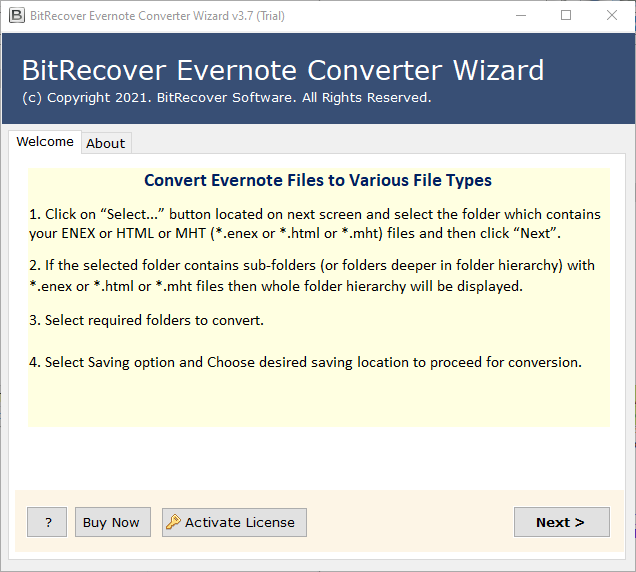
- Firstly, download and install the solution on your system.

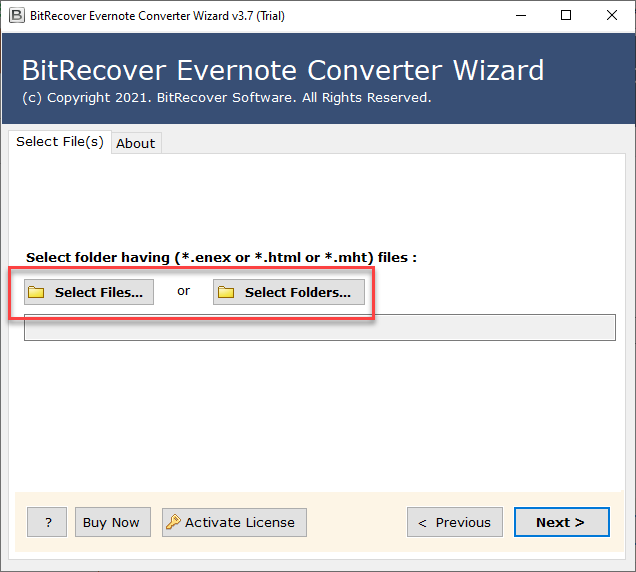
- Then, add .enex files by clicking on “Add Files” or “Add Folders.”
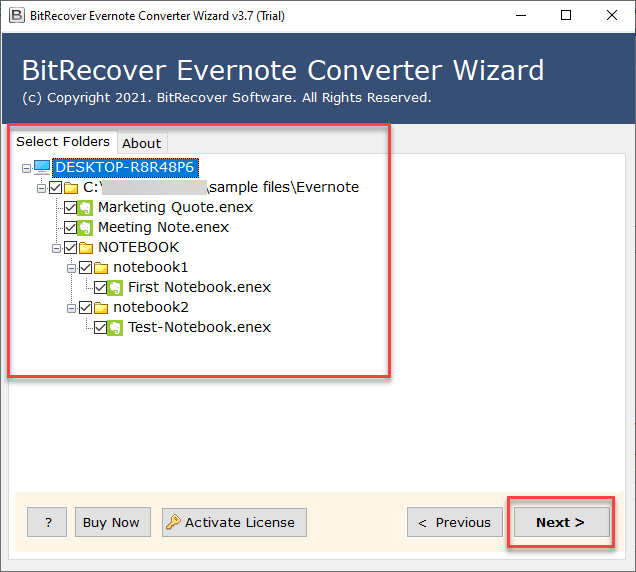
- Now, preview all the uploaded data files. and click on Next.

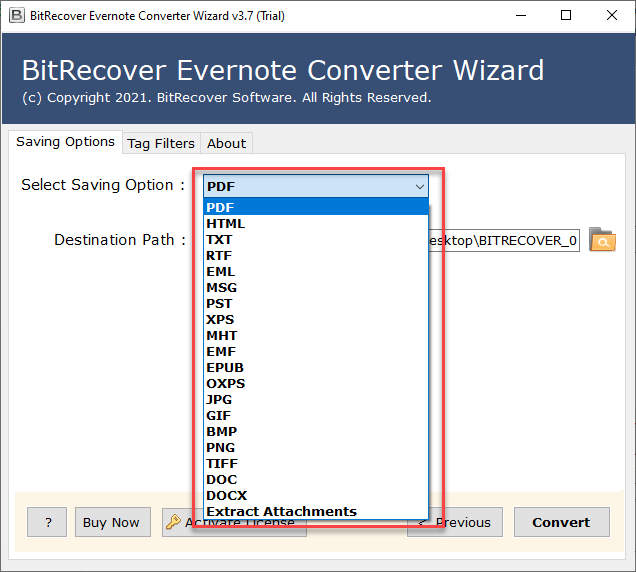
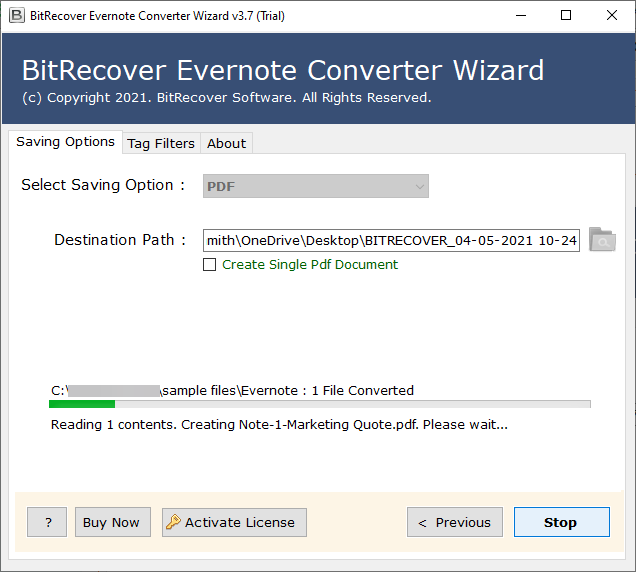
- After this, choose EPUB as a saving option.

- Then click the Browse button to select the destination path.

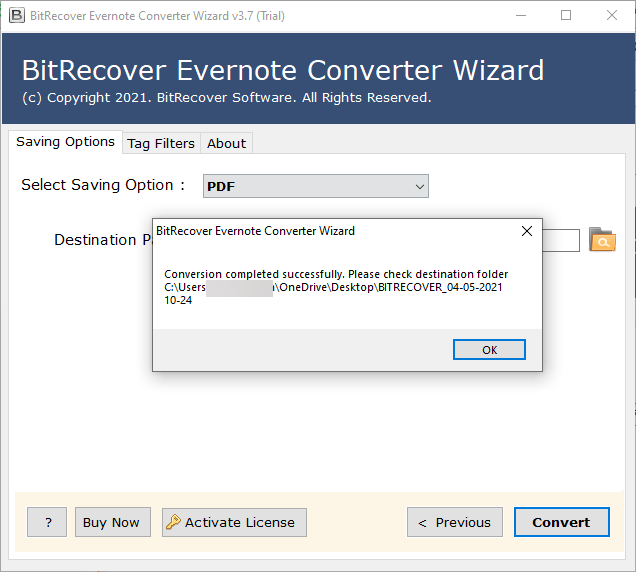
- Lastly, click on the convert button to start the process.
Why This Tool is the Best Choice for Converting Evernote Files
- It allows you to select the destination path where you want to save your files.
- It provides reliable, accurate, and 100% secure conversion.
- Evernote may be automatically converted to EPUB using this standalone software.
- Multiple Evernote files can be converted at once using this software’s batch conversion feature.
- It preserves the converted notes’ integrity and individuality.
- This software maintains the notes’ original structure, formatting, and layout.
Conclusion
In conclusion, as you have read in this blog, you can easily use this tool to convert Evernote to EPUB without any issues. If you face any problems during the conversion, you can contact our support team, which is available 24/7 to assist you. If you have any questions or if something is confusing, you can also use the live chat to get your problems solved quickly.