PDF to ODT Wizard
(Convert PDF to ODT Files for OpenOffice and LibreOffice Writer)
PDF to ODT Converter
Export PDF to LibreOffice or PDF to OpenOffice Writer
- PDF to LibreOffice Converter provides dual options for uploading PDF files or folders.
- It is capable to import PDF to LibreOffice writer program containing all items.
- The tool creates separate ODT (OpenDocument Text) files for each PDF document.
- It creates generic .odt files which are compatible with several Office writer programs.
- No LibreOffice or OpenOffice installation needed to export PDF to ODT documents.
- BitRecover PDF to OpenOffice Converter is authorized to convert .pdf to .odt in bulk.
- This application keeps folders and sub-folders structure during the conversion process.
- This software comes with several file naming options for maintaining the resultant data.
- Best PDF to ODT Converter comes with free demo edition for software evaluation.
- It gives facility to choose destination path for storing OpenDocument Text files.
PDF to LibreOffice Converter Features
Know Highlighted Features of Software to Convert PDF to OpenOffice Word

Dual Options to Add PDF Files
BitRecover PDF to ODT Converter offline software has double options for uploading PDF documents in the software panel i.e. Select Files or Select Folders. Users can choose any option according to need for adding portable documents in the software panel.
Convert PDF to DOC in Batch
Users can use this function for saving their time and efforts by converting multiple portable documents at once. They can choose a folder having unlimited PDF documents to insert PDF into ODT OpenDocument Text files in bulk for saving the valuable time.
Convert Selected Documents
After adding PDF documents in the software window, users can check only specific folders or documents for exporting them into ODT files. This function is most helpful if someone does not want to convert unnecessary PDF documents in ODT files.
Several File Naming Options
Before starting the conversion process of PDF files to ODT, the tool asks to choose relevant file naming option for storing the resultant files in a professional way. Users can maintain their resultant files by Subject, Date, From, Default, and Auto Increment.
Choose Destination Path as Needed
PDF to OpenOffice converter gives full freedom for choosing the destination path. By default it chooses Desktop as destination path but users can select different destination path too by clicking on the Browse icon from software GUI as per requirement.
Shows and Creates Log Report
During convert PDF to LibreOffice, the tool shows live conversion progressive report so that users can know the actual conversion status. After completion of the task, it automatically creates a SavingLog.txt file for providing information about converted data.
How to Convert PDF to ODT File ?
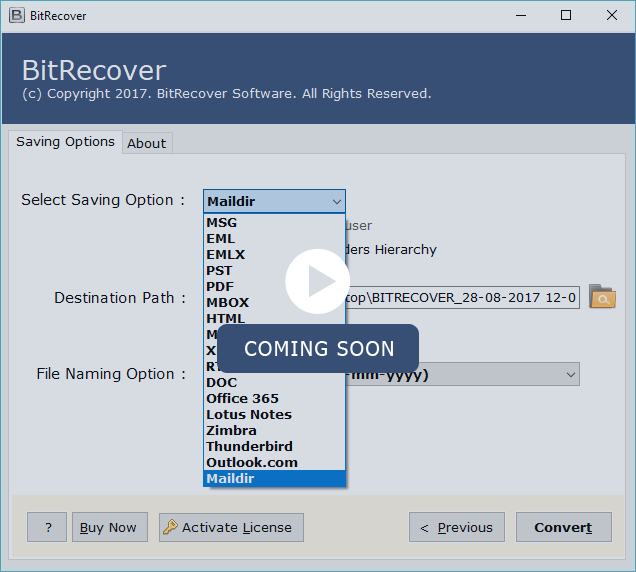
Watch live video to get information about “how change PDF to ODT”.
Software Specifications
Know the minimum system requirements to install PDF to ODT Converter.
Demo limitation
Free PDF to LibreOffice Converter permits to migrate maximum 5 PDF document to ODT files with company watermark. Using freeware edition, users can easily check the software functionality without upgrading. After completion of the procedure, users can purchase license keys to avoid all limitations.
How to Convert PDF into ODT ?
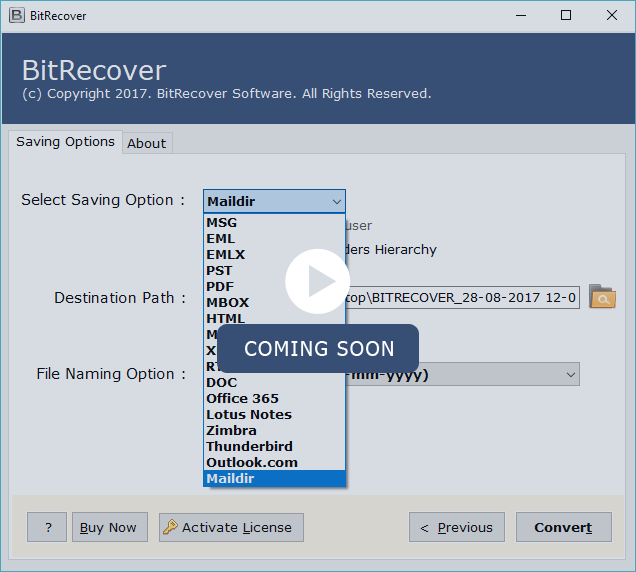
Know how to import PDF to OpenOffice in four steps.
How to Import PDF to LibreOffice Writer ?
Step by Step Process to Turn PDF into ODT Files.
FAQ's About — PDF to ODT Wizard
Commonly asked questions about PDF to ODT Converter.
- Start BitRecover PDF to ODT Converter and user Select Files or Select Folders options for adding PDF files in software window.
- Check PDF documents and choose ODT as saving format and after that click on the Next button.
- Choose destination location, file naming option from toolbar and press Convert button to start conversion.
- After completion of the process, it will automatically open the destination path so that users can easily get converted data.
- Resultant ODT file can be easily open with LibreOffice Writer or OpenOffice Writer programs.
Client Testimonials

I am using BitRecover products since 2012 and recently I have tested PDF to ODT Converter is capable to convert PDF to OpenOffice Word. It creates ODT OpenDocument Text file as resultant data which is capable to open with OpenOffice or LibreOffice writer programs.
Lincoln, Canada
Meiner Meinung nach ist es eine hervorragende Software, um PDF-Dateien in großen Mengen in ODT-Dateien zu konvertieren. Mit dieser Software können Benutzer PDFs einschließlich aller wichtigen Komponenten in LibreOffice importieren.
Abigail, Germany
Comments(1)

Bashiri, USA Sep 25, 2019
I have a folder which has several sub-folders inclusive of PDF files, does your software allow to transfer PDF to ODT without changing folders structure ?
Author

Author - Replied on Sep 25, 2019
Yes, it is well-qualified software too export PDF to ODT without manipulating folders and subfolders structure.